

Accessing an online casino should begin with a simple question: is the route to the account safe? For UK players considering Winomania‚ secure login habits matter as much as a convenient mobile experience. This guide focuses on practical steps for protecting an account‚ checking that a site or app is genuine‚ and responding sensibly if something goes wrong. Casino features‚ payment options and availability can change‚ so confirm current details directly with the operator before registering or depositing.
Start with the official access route
Use a link from a source you trust‚ such as the casino’s verified website or an official app-store listing‚ if one is available. Avoid search advertisements‚ unsolicited messages and links shared through unfamiliar social-media accounts. These can lead to imitation pages designed to collect login details or payment information.
Before entering a password‚ inspect the address bar carefully. The domain should match the operator’s official address‚ with no extra words‚ misspellings or unusual endings. A padlock icon indicates an encrypted connection; it does not prove that a site is legitimate‚ so check the address as well. Never log in through a page that opens unexpectedly from a pop-up‚ email attachment or direct message.
Some casino brands offer a browser-based mobile experience rather than a dedicated app‚ and app availability may vary by device and location. Do not install software from a random download page or follow instructions to bypass your phone’s security settings. If an app is offered‚ verify its publisher and permissions before installing it. A casino app should not need access to unrelated functions such as your contacts or microphone to provide basic account services.
Create credentials that are difficult to guess
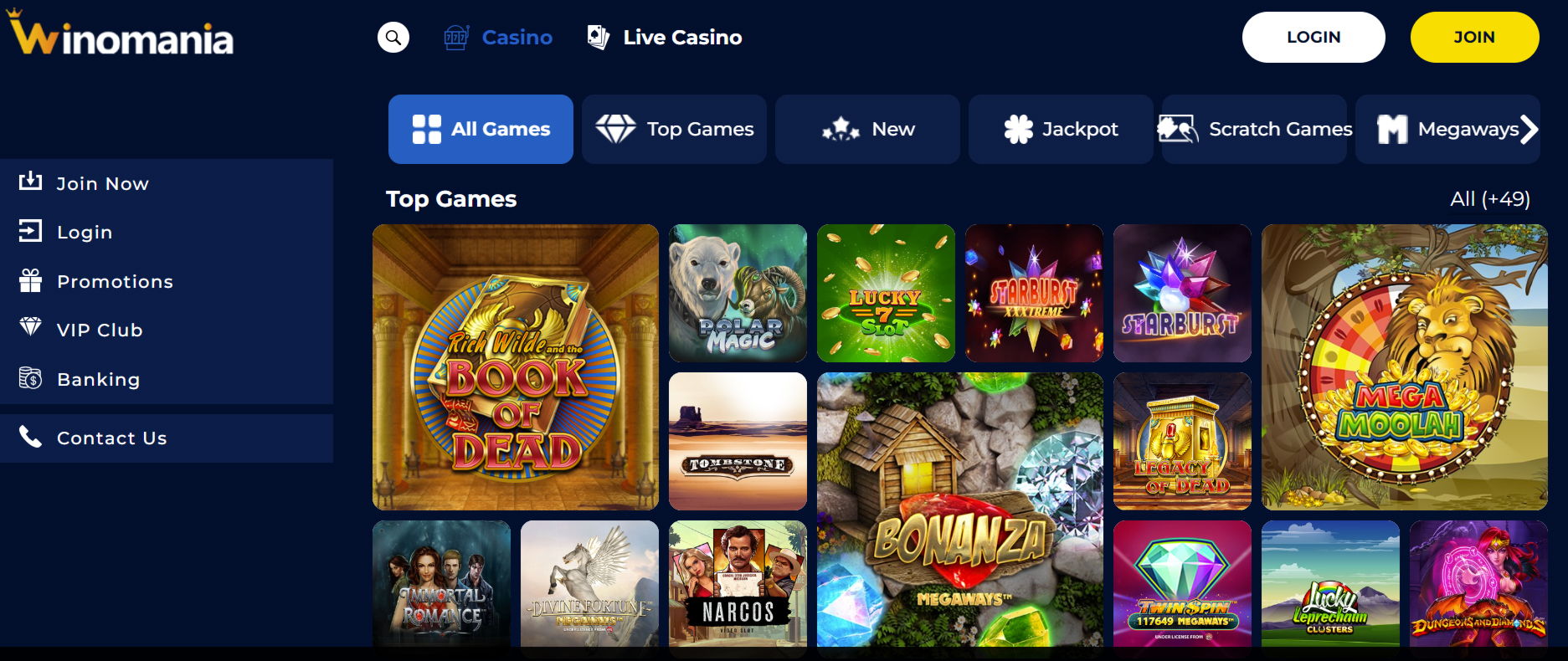
English Winomania Casino App UK Access:
A strong password is unique to Winomania and not reused for email‚ banking‚ shopping or other gaming accounts. A password manager can generate and store a long random password‚ reducing the temptation to use a familiar phrase or write credentials where others can see them.
- Use a long combination of unrelated words‚ numbers and symbols‚ or a password-manager-generated string.
- Do not include your name‚ date of birth‚ team‚ address or other details that may be public.
- Never share your password with friends‚ people claiming to be support staff‚ or anyone promising a bonus.
- Change it immediately if you suspect it has been exposed or reused elsewhere.
If the service provides two-step verification or another additional sign-in check‚ consider enabling it. Keep recovery codes somewhere private and secure. A verification code is for you alone: legitimate support agents should not ask you to read one out to them.
Keep your phone and connection secure
Install operating-system and browser updates promptly. Updates often fix security weaknesses that criminals could exploit. Use a screen lock‚ biometric protection where appropriate‚ and device encryption. If your phone is lost‚ use its remote lock or erase feature and change important passwords from another trusted device.
Public Wi-Fi can expose you to risks‚ particularly on networks with no password or a sign-in page that imitates a legitimate service. For account access‚ prefer your mobile network or a trusted private connection. Avoid saving casino credentials on a shared computer‚ and always sign out when using a device that other people can access. Do not let a browser remember your password on a public or borrowed device.
Recognise phishing attempts
Phishing messages often create urgency: they may claim that an account will be closed‚ a withdrawal is blocked‚ or a bonus will expire unless you act immediately. Treat unexpected messages with caution‚ even if they use the casino’s logo or appear to show a familiar sender name. Do not use the message link. Open the official site independently and check your account there‚ or contact support using details obtained from the verified site.
Be wary of requests for your password‚ one-time code‚ full card number‚ security code or remote access to your device. A supposed agent who asks you to install screen-sharing software or move funds to “secure” them should be treated as suspicious.
Check account and operator details before playing
UK players should check that an online gambling service is properly authorised to serve customers in Great Britain. Look for the operator’s legal name and licensing information on its official website‚ then verify the details through the UK Gambling Commission’s public register. A logo alone is not proof of a current licence. If licensing or ownership information is unclear‚ pause before creating an account or depositing.
Read the account terms‚ privacy information‚ deposit and withdrawal rules‚ and any bonus conditions before accepting an offer. Make sure you understand identity checks‚ payment restrictions‚ fees if any‚ and the process for closing an account. Operators may request documents to verify identity or payment ownership. Submit sensitive files only through a verified‚ secure account channel—not by replying to an unsolicited email or chat message.
Set a gambling budget that you can afford to lose‚ and do not treat casino play as a way to earn income. Use available deposit‚ loss or session limits‚ and take breaks. If gambling stops being enjoyable or starts affecting bills‚ relationships or wellbeing‚ stop and seek support. In Great Britain‚ organisations such as GamCare and the National Gambling Helpline can provide confidential help. Self-exclusion tools‚ including GAMSTOP for participating UK-licensed operators‚ may also be relevant.
What to do if you suspect account trouble
- Stop entering details. Close the page or app if it seems unfamiliar‚ and do not approve unexpected sign-in requests.
- Secure your email first. If the email account linked to the casino may be compromised‚ change its password and enable two-step verification. Email access can be used to reset other accounts.
- Change the casino password; Use the verified official site from a trusted device. If you reused that password elsewhere‚ update those accounts too.
- Contact official support. Use contact details found independently on the verified website. Ask the operator to review recent logins‚ secure the account and explain any unfamiliar transactions.
- Contact your bank or payment provider. Report unauthorised payments promptly and follow its advice. Keep reference numbers and copies of relevant messages.
- Preserve evidence. Save suspicious emails‚ screenshots‚ transaction records and dates. Do not forward sensitive documents to an unverified address.
Be cautious of anyone who approaches you after a reported incident and promises guaranteed recovery of funds for an advance fee. Recovery scams often target people who have already lost money. Verify any communication through the bank‚ payment provider or casino using a contact route you locate yourself.
Quick secure-login checklist
- Open the casino through a verified address or a confirmed official app listing.
- Check the domain and connection before signing in.
- Use a unique password and enable additional verification when available.
- Keep your device updated and avoid logging in on shared devices or untrusted networks.
- Ignore unexpected links and never disclose passwords or verification codes.
- Verify the operator’s current UK authorisation and read the terms before depositing.
- Set personal spending limits and use support or self-exclusion tools if needed.
Frequently asked questions
Is a padlock icon enough to confirm the casino is genuine?
No. It indicates that the connection is encrypted‚ but fraudulent websites can also use encryption. Check the full web address and verify the operator independently before entering personal or payment details.
What should I do if I forget my password?
Use the password-reset option on the verified website or app. Follow the instructions there‚ and do not respond to unsolicited messages offering to reset the account. If the reset email does not arrive‚ contact support through an independently confirmed channel.
Can I use casino support to confirm a suspicious message?
Yes‚ but do not reply to the message or use its phone number or link. Find the operator’s contact details on its verified site and ask whether the communication is genuine. Never provide a password or one-time code during the enquiry.
Should I save my login on my phone?
Only consider it on a personal device protected by a strong screen lock‚ and use a reputable password manager rather than an unprotected note. Do not save credentials on shared devices. If the phone is lost‚ secure your email and casino account as soon as possible.
Final thoughts
Safe access is a combination of good habits and careful verification‚ not a single app feature. Use the genuine route to the service‚ protect your credentials‚ keep devices updated and question urgent requests. Before playing‚ independently check current UK licensing information and decide on spending limits. If anything about a login page‚ message or payment request feels wrong‚ pause and verify it through an official channel rather than taking a chance.
